Desert Online General Trading LLC
Dubai, United Arab Emirates
Desert Online General Trading LLC
Dubai, United Arab Emirates


🚗 Diagnose Like a Pro: Your Engine's Best Friend!
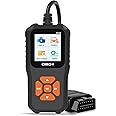
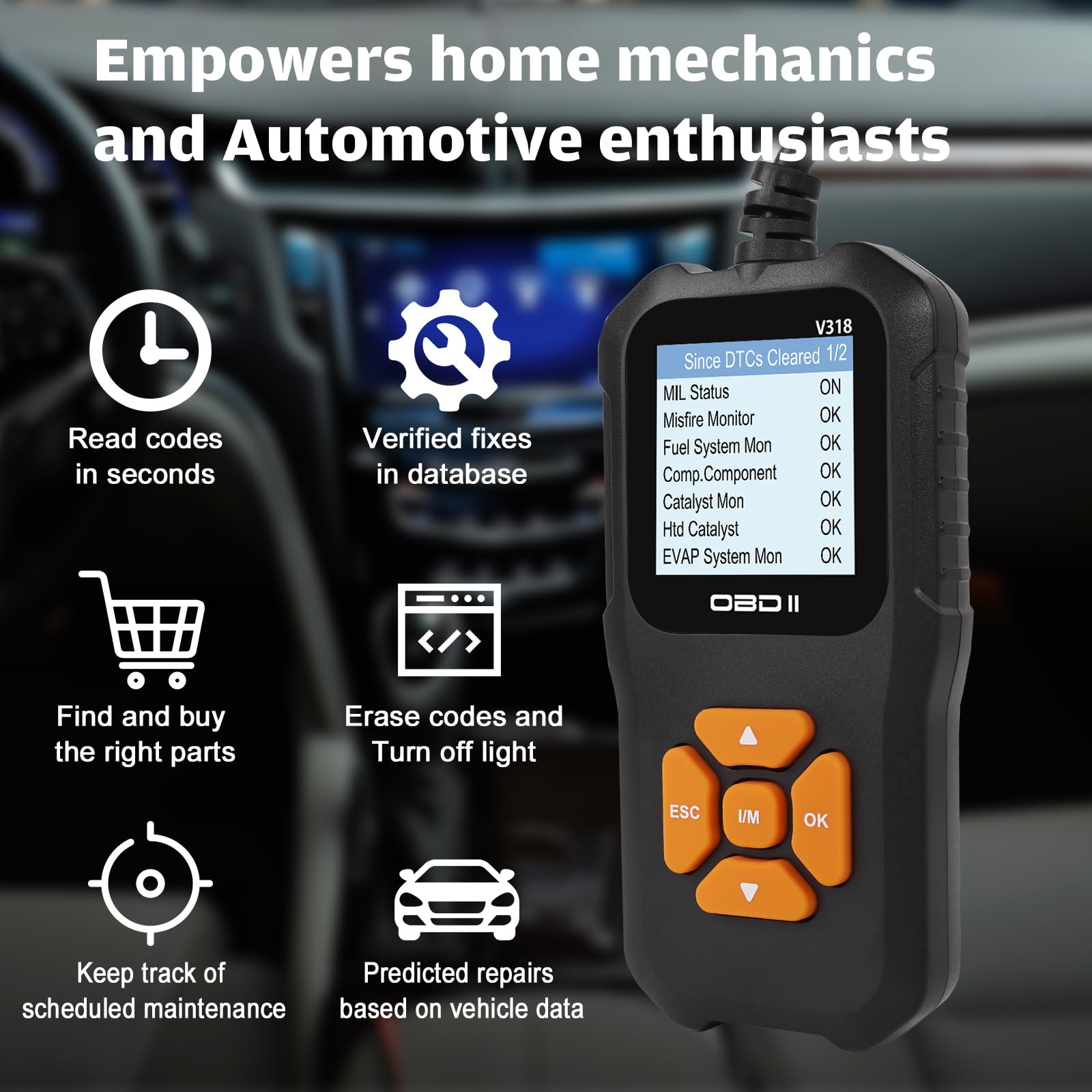
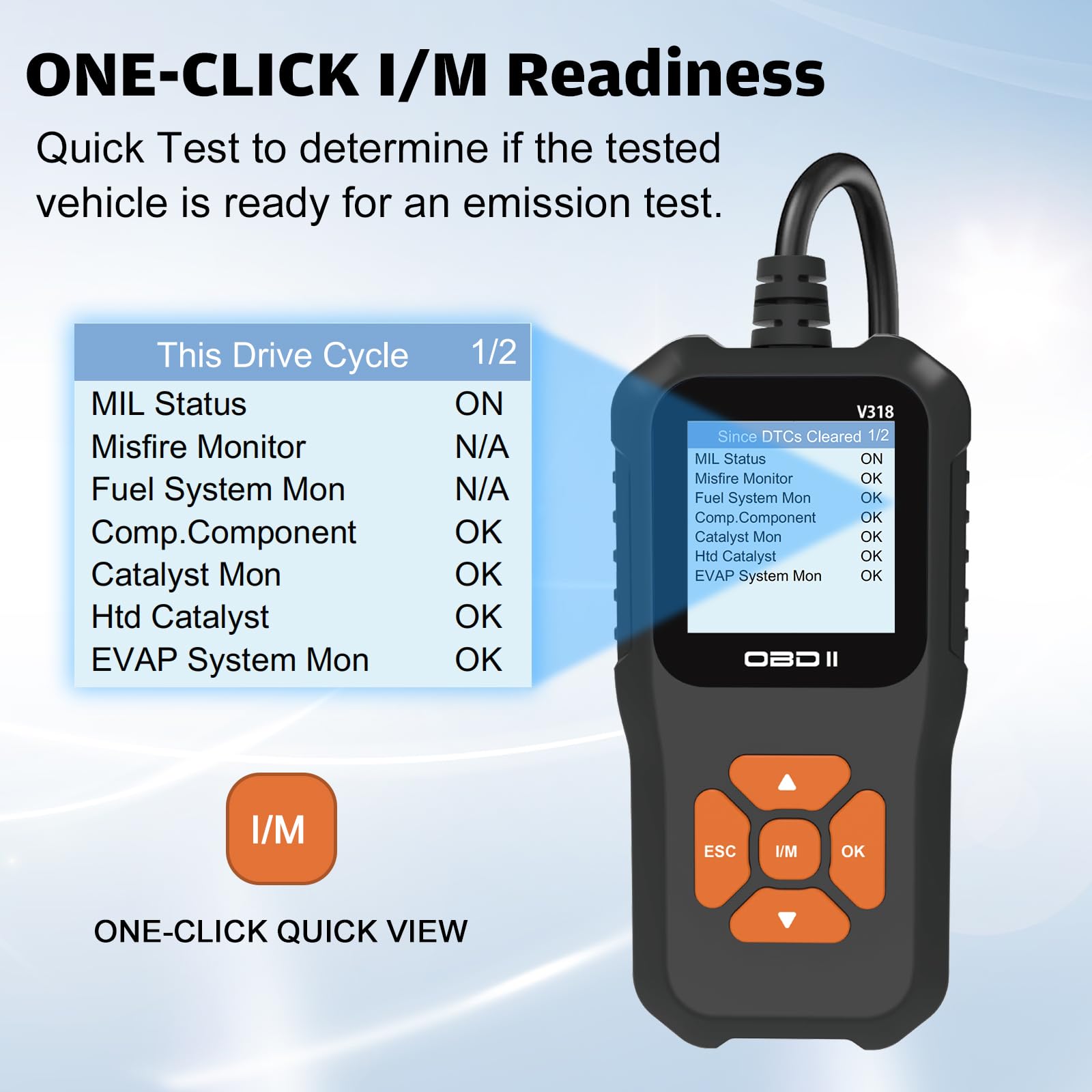
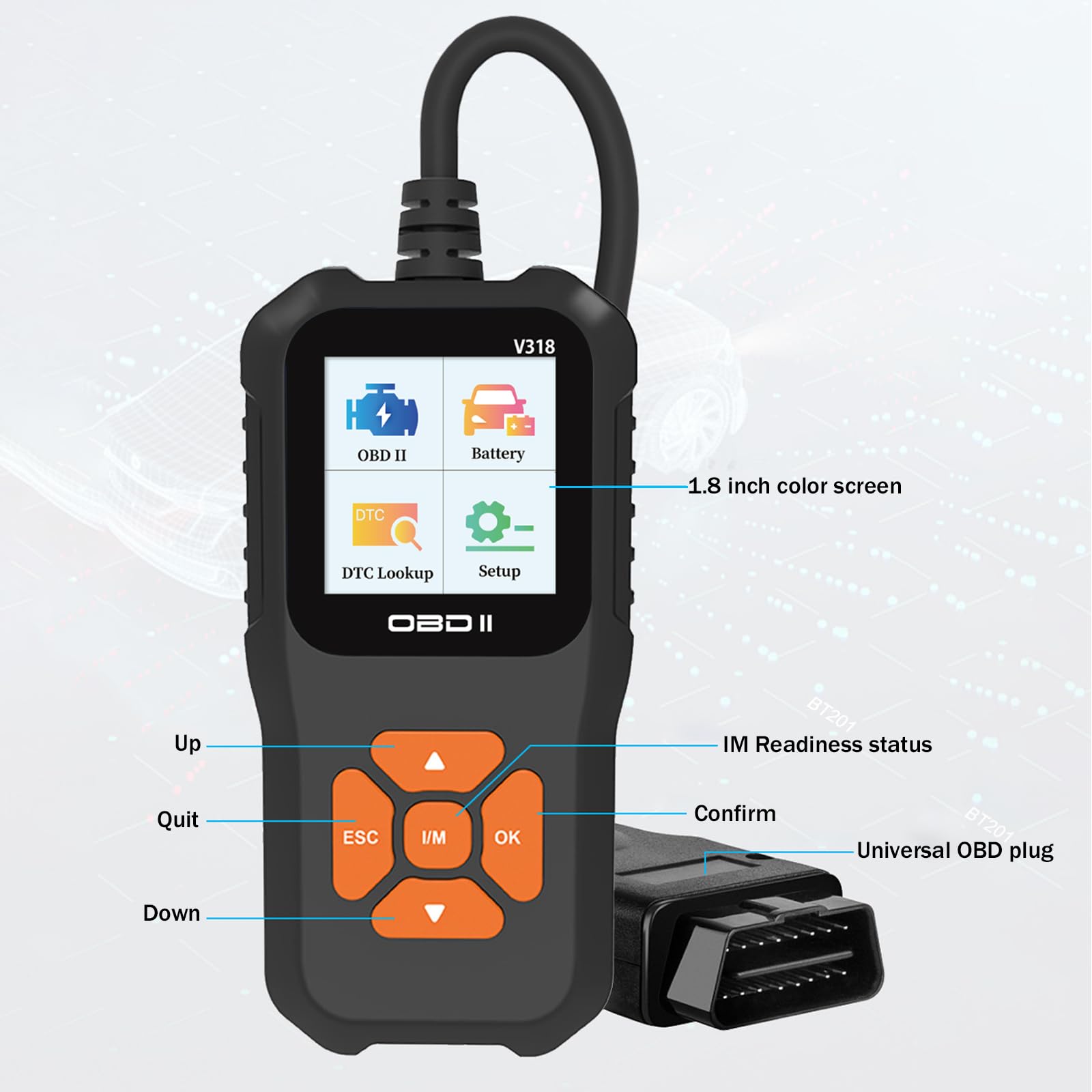
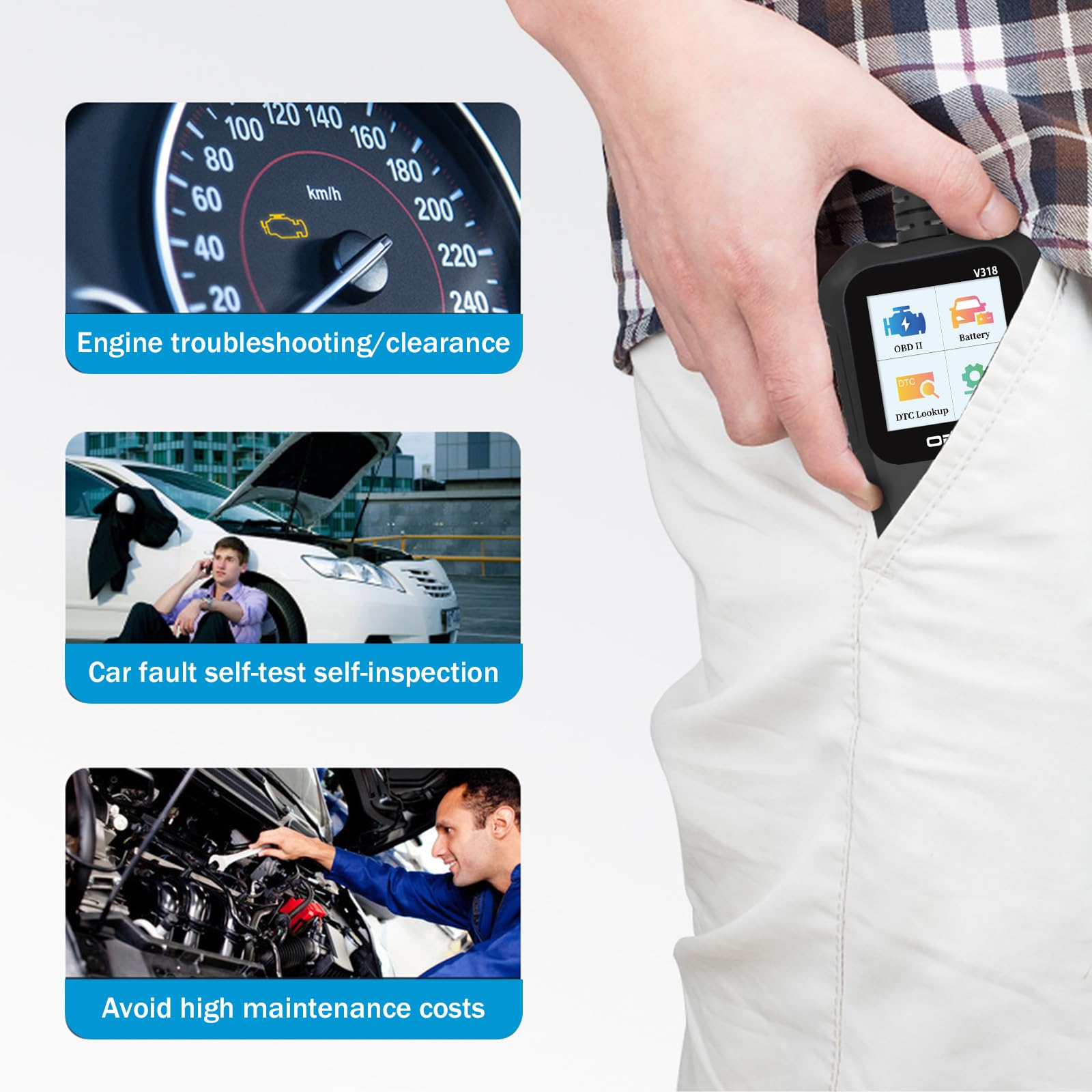
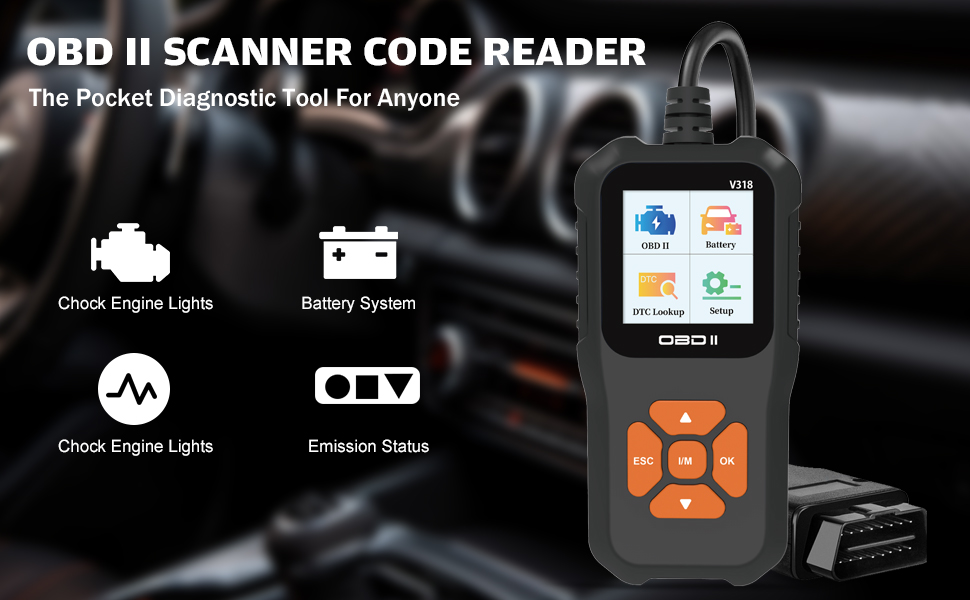
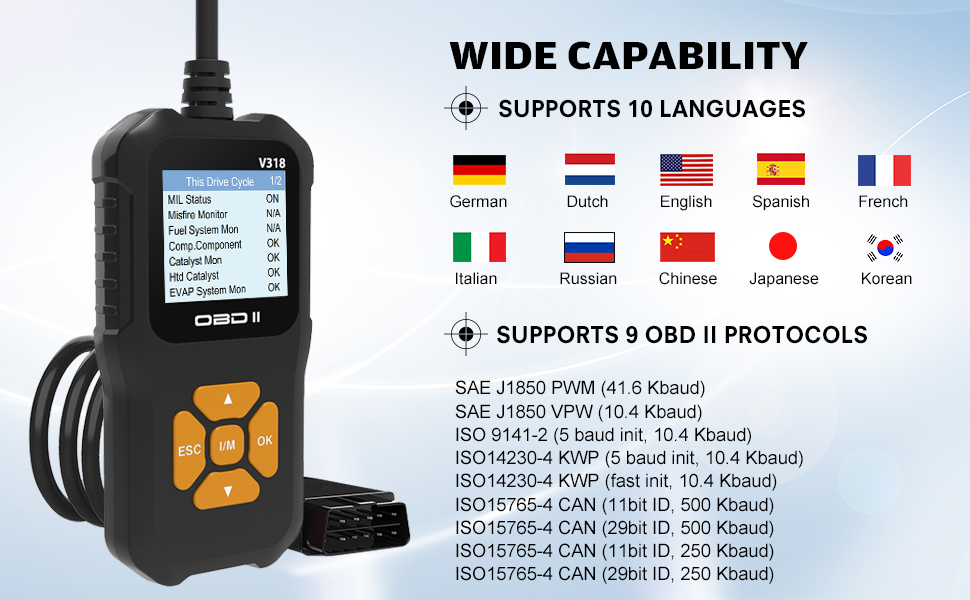
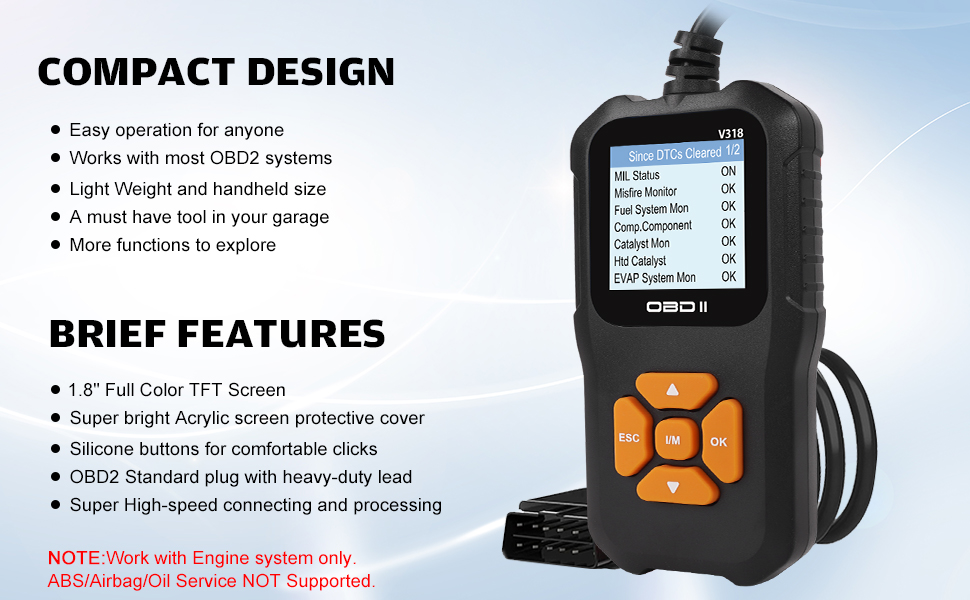
The Haisito Car OBD2 Scanner is a compact and powerful diagnostic tool designed for both automotive enthusiasts and professionals. It features a built-in OBD2 DTC lookup library for precise error detection, supports a wide range of vehicles, and offers real-time data streaming. With a user-friendly interface and multi-language support, this scanner is perfect for anyone looking to troubleshoot engine issues efficiently. Plus, it comes with a two-year warranty for added assurance.

| Manufacturer | Haisito |
| Brand | Haisito |
| Product Dimensions | 16 x 7 x 6 cm; 190 g |
| Manufacturer reference | V318 |
| Manufacturer part number | V318 |
| Item Weight | 190 g |
S**L
Great item
Brilliant little unit that saves you loads of money not having to use a garage to diagnose problems and it's really easy to use
A**.
Helpful Little Tool
It was easy to use, plug & play. It helped me to clear the fault codes. I also find the battery check feature very useful.
J**D
Good
Ok,get what you pay for
C**W
Brilliant basic OBDII error code reader.
The media could not be loaded. As a basic error code reader for OBD2/OBDII this is a good device. It's currently £32 with a £15 voucher, making it around £17. That's not far off the price for a cheap OBD2 adapter by itself, but with this you get a main unit with a screen; hence the five star review.The main unit is small but the screen is readable easily enough. It has the ability to read codes, test battery voltages, reset MIL status, clear existing codes and a few more things too. It cannot write data to your ECU so recoding anything will need another product, but that's true of most cheaper OBD2 adapters on the market. It can also log a few live data streams such as O2 concentrations, engine revolutions etc.Thankfully the cable is long enough to be used from the passenger seat because if you own a French vehicle it's likely the OBD2 socket will be situated there, or in the glove box even. The cable and OBD2 adapter feel quite well made, as does the main unit with the screen. All of them are pretty robust.The UI menu system is a little clunky and not made any easier by the fact the centre button is not the "ok" or "yes" button. In the beginning you do find yourself clicking the centre button to select items in the menu, where in actual fact the "select"/"yes"/"ok" button is on the right. It's a small niggle and you soon get used to it, it just doesn't feel very intuitive.I have a vehicle that I'm currently doing some work to so it was an opportunity to test to see of this device would pick up the existing error codes. I'm lad to say it did.The DTC (trouble code) lookup function has an internal database for a better explanation of the fault codes you might get. If it doesn't contain enough information then the DTC code and an internet search engine is your friend and will furnish you with a lot more.If you do any home maintenance on your cars, or even just want to have an idea of what might be wrong BEFORE you take your car to a garage for work then this is a brilliant all-in-one device for the money. It can help you resolve issues yourself or just give you an idea of what the garage mechanics are likely to be facing and the likely repair costs.As I said at the very beginning, I was going to award this 4 stars, but given the current price it gets 5 because whilst cheap it's actually fairly good.
T**Y
Failed to read my fault code
This is a simple unit to use and is all in one. Simply plug into the ODB2 port on your car power with the ignition also on. Navigating around the screen is a little counterintuitive if you are used to arrow keys moving somewhere and the centre button being the select – In this case the right arrow is the select and navigation is with the other keys….you do get used to it.I connected to my car which does have an intermittent engine management light coming on and off. I am aware of this from my Bluetooth ODB2 reader and the fault is a gear lever position sensor. I was expecting this to pick up the same fault code (even though the check engine light was off), but it doesn’t. It tells me there are no fault codes stored. I checked this against my Bluetooth reader and it was telling me there was a stored code P08A6. This would be correct as it was also picked up on a service.Now this missing code could be a limitation of the device or that it isn’t detecting faults as you would expect it to. Either way, it is a big negative for me. My Bluetooth device was cheaper than this and I used a free ODB2 reader app from the Play store and this correctly detected the fault. Furthermore they app was just that much easier and informative than a small LCD screen on this device.However, it isn’t all negative. It does have the basic features you need with multiple sensors detected and it can reset codes if you have gone into limp mode (though best to get that checked and not ignore it). It has a rudimentary look up of fault codes to give you a brief indication of what it is. The device is easy to use and it is relatively hassle-free.If you want simple and very basic this might suit your needs, but there is not enough in this to get me away from my wireless reader (cheaper than this reader) and Android app.
C**W
Being able to finally access the messages on MY OWN car is very liberating!
In a nutshell:Things I liked:+ Works really well. Used it with my 2016 Vauxhall Zafira Tourer and read off the error codes and information without any issues at all.+ The unit has a built-in database for all the codes, meaning you get a message giving the definition of the code. The message I got with my code wasn't very easy to understand though, but looking it up brought up a plethora of YouTube videos all addressing my issue.+ Self-contained unit - powered by the comm port on the car, so no battery needed. Cable is long enough (just under 1m) for it to be stored in the car without getting in the way too much.+ You can read messages without resetting them (or reset them if you want to).Things I didn't like:- The button layout is a bit counter-intuitive. You'd expect it to be up-down-left-right-OK. But the left button is Esc (i.e. back) and the right button is OK, leaving the centre button to bring up the I/M menu. For the first few moments, I was selecting menu options with up-down and then automatically pressing the middle button, then wondering why whatever I selected brought up the I/M page. The right hand button is OK and selects menu items.- Instructions aren't a great translation, but the unit itself is simple enough to use.Do I recommend it?Yes. Really, really handy to have. Being able to access the messages on your own car is very liberating and super simple to use (plug into the comm port, mine was to the far bottom-right of the wheel just below the edge of the trim). Don't reset or delete messages without good reason to (it's not easy to do accidentally). Recommended.
Trustpilot
2 months ago
2 months ago
1 week ago
1 month ago